
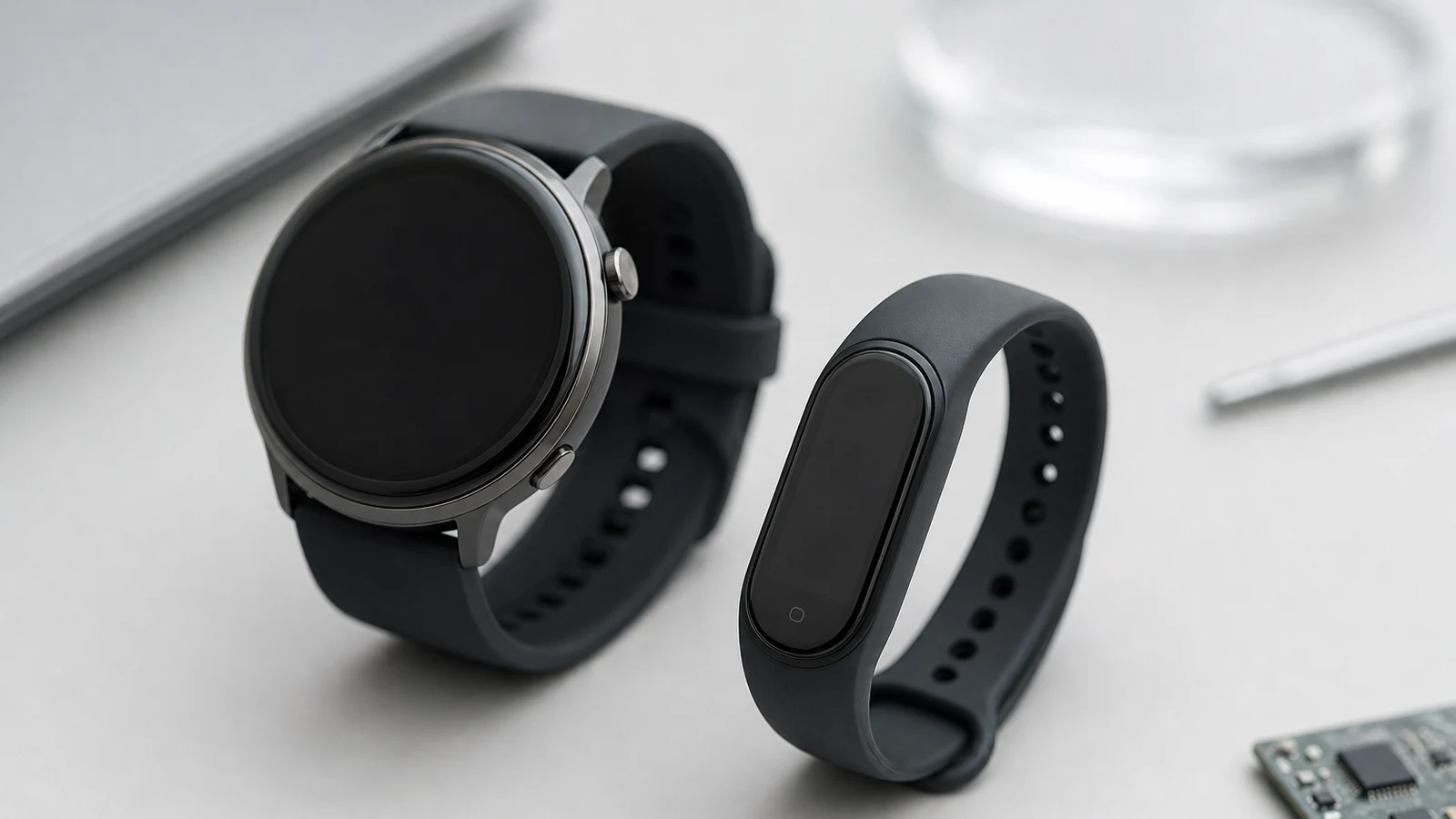
Physical buttons are disappearing from premium consumer electronics. In their place: gesture control, voice commands, and adaptive touch panels — interaction methods that don't announce themselves as controls at all until the moment they're used. This is a real shift in design philosophy, not just an aesthetic trend, and it moves the hard engineering problem from "where do we put the button" to "how do we reliably fuse several imperfect sensing modalities into one input the user trusts."
This post looks at what's driving the invisible interface trend, the sensor fusion architecture underneath it, and the engineering trade-offs teams face when they remove the physical control and replace it with inference.
Why "Invisible" Interfaces Are Becoming the Default
Three forces are converging to make gesture, voice, and adaptive touch the primary interaction layer on premium devices rather than a secondary novelty feature:
Multimodal interaction is more accurate than any single mode alone. Combining gesture recognition with voice, touch, and eye-tracking allows a device to interpret several input signals at once, improving accuracy and reducing the false triggers that plagued earlier single-modality gesture systems. A voice command plus a follow-up gesture disambiguates intent far better than either signal in isolation.
Context-awareness lets the interface pick the right mode automatically. Modern multimodal systems are designed to shift priority between input modes based on the situation — defaulting to voice while driving, gesture when hands are dirty or full, touch when precision matters, and eye tracking for accessibility needs — rather than forcing the user to consciously pick a mode.
Accessibility is a genuine, not incidental, driver. Touchless interfaces provide real benefit for users with mobility limitations or motor-control challenges: voice enables full device operation without physical manipulation, gesture accommodates users who can move but struggle with precise touch targets, and eye tracking serves users with very limited mobility — delivered through mainstream hardware rather than expensive, stigmatizing adaptive equipment.
The Sensor Stack Behind a Buttonless Product
An "invisible" interface is invisible only from the user's side. Underneath, it's typically a fusion of several distinct sensing subsystems working together:
- IMU (accelerometer + gyroscope) — captures device or wrist motion for gesture recognition, and is the backbone of most wearable gesture systems given its low power cost relative to camera-based sensing.
- Capacitive and adaptive touch sensing — surfaces that behave like buttons only when touched with the right pressure or pattern, otherwise remaining part of a seamless enclosure. Capacitive sensing is also foundational to touchless proximity detection in some designs.
- Microphone arrays — beamforming microphone arrays isolate a voice command from ambient noise well enough to make voice viable as a primary control in noisy real-world environments, not just quiet demo rooms.
- Vision or radar-based gesture sensing — used in more capable devices, ranging from camera-based computer vision to radar signal processing, both of which increasingly rely on pose estimation and skeletal modeling techniques borrowed from far more compute-intensive research applications.
- Edge inference — on-device processing that fuses these signals in real time is critical for the low latency multimodal control requires; a gesture-to-action delay of even a few hundred milliseconds breaks the "invisible" illusion the interface is built on.
The Real Engineering Challenge: Rejecting False Positives
The hardest problem in this space isn't recognizing an intentional gesture — it's not reacting to everything that isn't one. A user talking with their hands near the device, adjusting their grip, or simply moving through a room all generate motion and audio that a poorly tuned system can misread as a command.
AI-driven gesture systems increasingly address this by distinguishing intentional gestures from background movement, adapting to individual users over time, and maintaining robustness under variable lighting, partial obstruction, and distance — with the tuning of false-trigger rejection sitting at the core of whether a "buttonless" interface actually feels trustworthy or just frustrating.
This is the part of invisible-interface design most likely to be underestimated in early prototyping. A single-modality demo — wave your hand, watch the light change — is straightforward to build. A production system that goes days of real-world use without a false trigger, across a wide range of users and environments, is a considerably harder validation problem, and one that needs to be planned for from the sensor-selection stage rather than tuned in as an afterthought.
Design Trade-offs When You Remove the Button
Replacing a physical control with an inferred one changes several engineering decisions at once:
Power budget shifts toward always-on sensing. A physical button draws essentially zero power while idle. A gesture or voice system that needs to be ready to respond instantly usually requires some form of always-on, low-power listening or motion-detection stage — typically a lightweight always-on model that wakes a more capable one, rather than running full inference continuously.
Feedback has to be engineered in, not assumed. A physical button gives instant tactile confirmation that a press registered. A touchless gesture needs an explicit substitute — a haptic pulse, a sound, a light — or users are left unsure whether their input worked at all, which is one of the most common complaints about early touchless products.
Failure modes need graceful fallback. Every sensing modality has conditions where it degrades — voice in loud environments, gesture in poor lighting or cluttered scenes, capacitive touch with gloved hands. A well-engineered invisible interface anticipates these failure conditions and falls back to an alternate modality or a simple, reliable backup control, rather than leaving the user with no way to act.
Personalization adds an ongoing software dimension. Because gesture and voice recognition adapt to individual users over time, the product now has a machine-learning lifecycle to manage post-shipment — model updates, on-device personalization, and privacy considerations for data that's inherently biometric in nature.
What This Means for Hardware Teams
For teams designing a next-generation "buttonless" product, a few decisions are worth making deliberately and early:
Select sensors based on the false-positive problem, not just the true-positive one. The sensing modality that recognizes a gesture 99% of the time isn't good enough if it also misfires constantly during normal use — validate against real-world background activity, not clean demo conditions.
Design the always-on/on-demand power split before locking silicon. Whether always-on sensing runs on a low-power auxiliary core or wakes a primary processor entirely changes the battery-life story of the whole product.
Build explicit feedback into the interaction from day one. Confirmation — haptic, audio, or visual — isn't a polish item; it's core to whether an invisible interface feels reliable.
Plan for graceful degradation across modalities, so a single failed sensing condition doesn't leave the user with no way to control the device.
Conclusion
The invisible interface isn't really about removing buttons — it's about replacing a deterministic, zero-power physical control with a probabilistic, sensor-fused inference about user intent, and engineering that inference to be fast, low-power, and trustworthy enough that users stop thinking about the interface at all. Getting there requires the same sensor selection, power budgeting, and real-world validation discipline that underlies any well-engineered embedded product — just applied to a control surface that, done well, the user never consciously notices they're using.
At CoBuild Labs, we treat interface sensing as a full system design problem — matching IMU, capacitive, acoustic, and vision-based sensing to the power budget via electrical engineering and AI integration.
Designing a gesture-, voice-, or touch-first product? Talk to CoBuild Labs about firmware, AI integration, and sensor electronics.